Windows MSVC
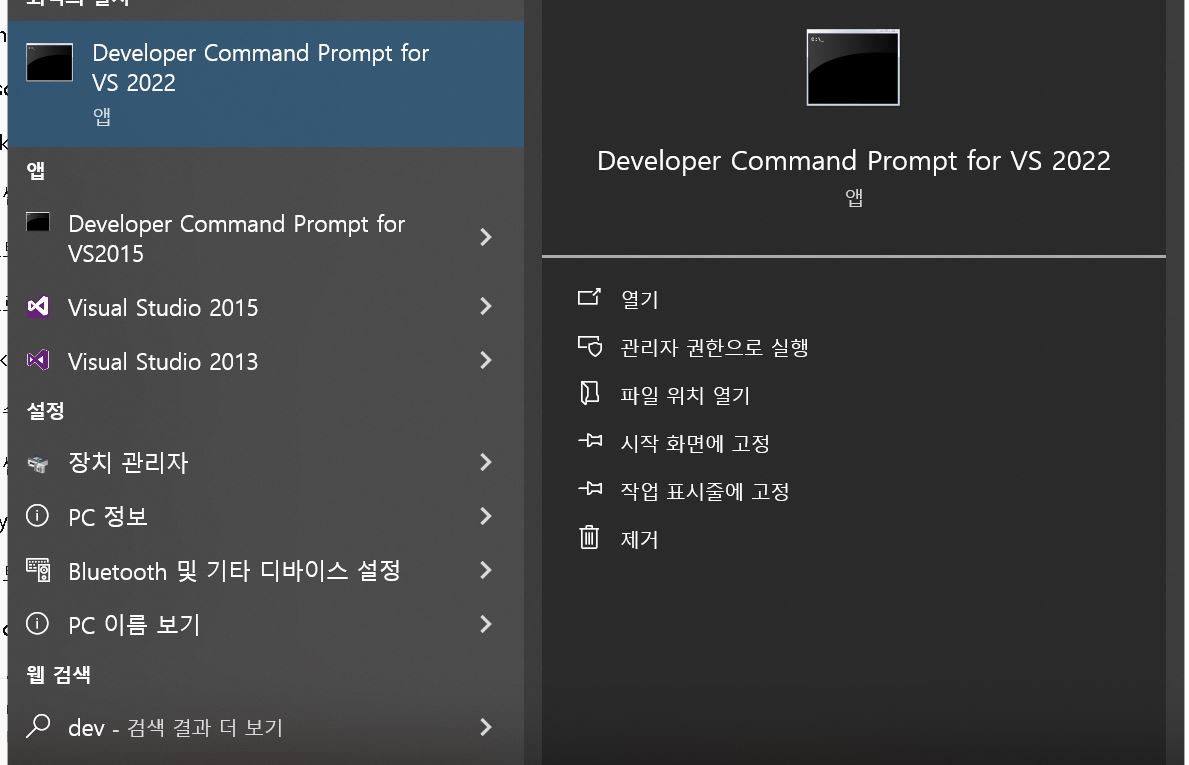
- 개발자 명령 프롬프트(Developer Command Prompt)실행해서 확인
- Visual Studio가 설치되어 있다면 검색에서 'Developer...' 입력하면 프롬프트을 확인할 수있다
- 명령어 cl /LD /EHsc example.cpp /Fe:example.dll 을 입력하면 dll을 만들 수 있다
cl /LD /EHsc example.cpp /Fe:example.dll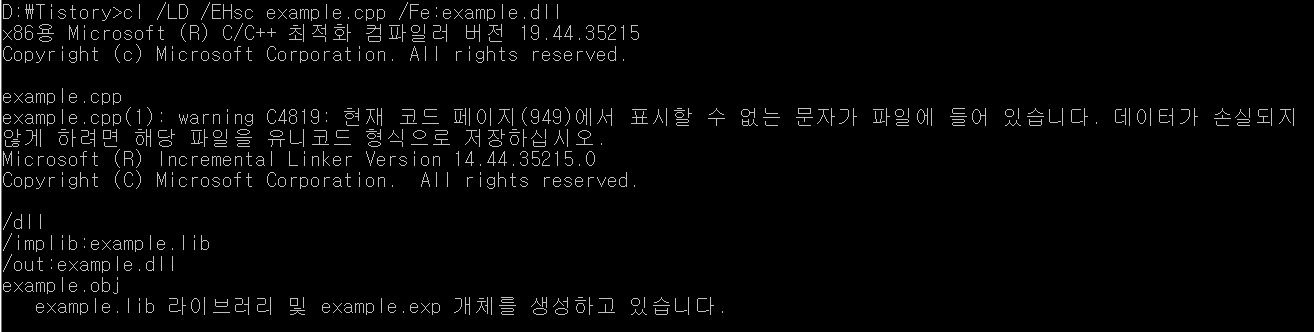
- 예제 소스 코드
// example.cpp
#include <cstring>

#if defined(_WIN32)
  #define EXPORT extern "C" __declspec(dllexport)
#else
  #define EXPORT extern "C"
#endif

// int 두 개 더하기
EXPORT int add_ints(int a, int b) {
    return a + b;
}

// double 두 개 곱하기
EXPORT double mul_doubles(double x, double y) {
    return x * y;
}
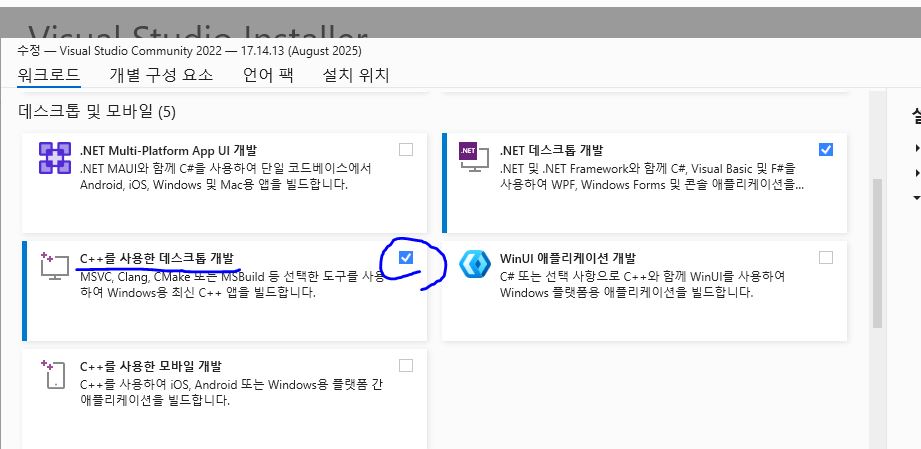
c++ Desktop develope kit 설치
- 만약 cl 이 없다면 추가 설치가 필요하다

- c++을 이용한 데스크톱 개발을 체크하고 업데이트를 해주면 된다